Epson L1250
L series
Physically tested
Reset availableInkZero 1.0 for Windows
InkZero reads the waste ink counters on your Epson for free, and resets them on supported models once the pads are serviced.
How it works
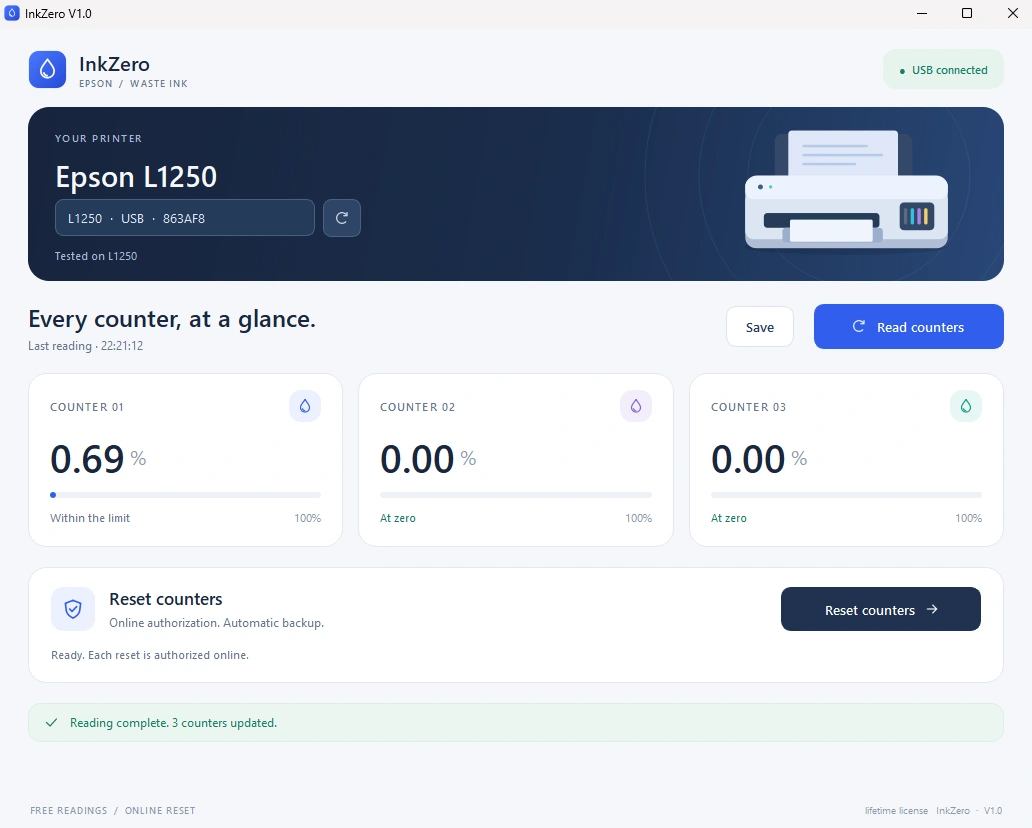
Install InkZero on a Windows PC and plug your Epson in by USB. It detects the model for you.
Automatic detectionSee every waste ink counter in seconds. No key, no account, and it works offline.
Always freeService the pads, redeem a key and confirm. InkZero checks the model, saves a backup and verifies every write.
From $5.99Compatibility
Search 1,130 catalog entries across 18 Epson families. If your printer isn’t listed with reset, don’t buy a key.
L series
Physically tested
Reset availableL series
Experimental profile
Reset availableL series
Experimental profile
Reset availableL series
Experimental profile
Reset availableL series
Experimental profile
Reset availableET Series
Experimental profile
Reset availableCheck before you reset. Only L1250 has been physically tested in this project. Other available profiles are experimental; operation can vary by firmware and USB interface. A reset requires the app’s checks to pass and waste ink pads to be serviced.
Pricing
Reading counters is always free. Buy a key only when you need a reset. Prices in USD, no subscription.
One printer, back in action.
$5.99
one key
Buy 1 key$5.99 total · 1 reset key
For the home office and the family printers.
$19.95
$3.99 per key
Buy 5 keys$19.95 total · 5 reset keys
For repair benches and busy offices.
$99
once, per PC
Get lifetime$99 once · No subscription
Download InkZero and read your counters first. Internet is only needed for resets.
Single-use keys are consumed when reset authorization is issued. Lifetime activation is tied to one PC and cannot be transferred. Windows and USB required.
InkZero is a Windows app that reads and resets waste ink counters on supported Epson printers connected by USB. Counter readings are free. A reset requires a single-use key or an activated lifetime license, plus an internet connection. Resetting the counter does not clean or replace the physical waste ink pads.
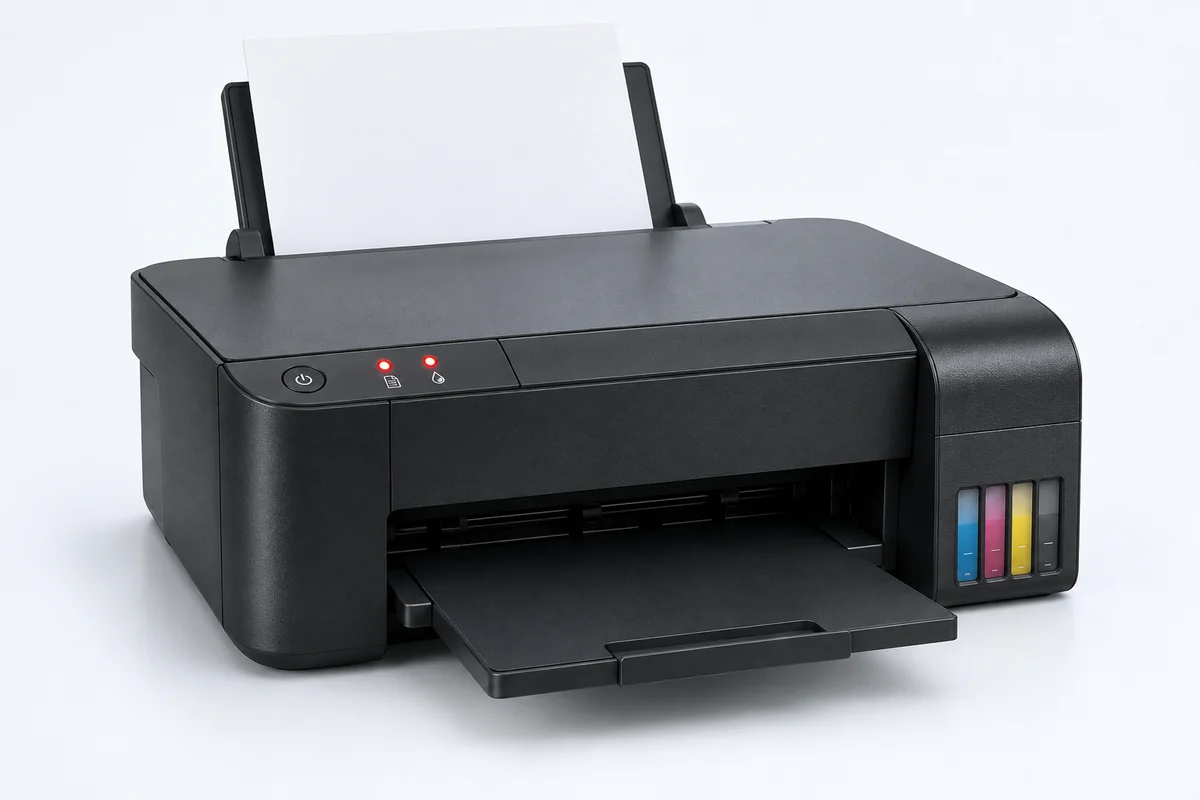
Depending on the model and blinking pattern, the ink and paper lights can indicate that a waste ink pad counter has reached its service limit. They can also indicate other faults. Check the exact message in Epson Status Monitor or your printer manual, then read the counters with InkZero. A reset only addresses a supported waste ink counter condition.
Yes. Download InkZero for Windows, connect your Epson printer by USB, and select Read counters. Reading is free and works offline. Check your exact model in the catalog before buying: some profiles support resets, some are read-only, and some are not supported yet. Only L1250 has been physically tested in this project; other available profiles are experimental.
Yes. The pads collect ink during cleaning and maintenance. InkZero resets the software counter; it cannot remove the ink already collected. Service or replace the pads as appropriate before resetting, and verify the counters again after turning the printer off and back on.
One reset key authorizes one reset operation. A key is consumed when authorization is issued, so keep the printer connected and follow the app instructions. The 5-key pack contains five separate single-use keys. If a reset is interrupted, follow the app’s recovery guidance rather than starting repeated resets.
The $99 lifetime license activates once on one Windows computer and allows unlimited online resets of supported printers from that installation. It is tied to the computer, not to a single printer. It cannot be transferred, unbound, or replaced for another computer. Each reset still needs an internet connection and explicit confirmation; successive authorizations must wait for the previous two-minute authorization window to expire.
This release is a Windows x64 application and communicates with the printer over USB. Use a Windows PC and a direct USB connection. Mac, Linux, and Wi-Fi printer connections are not supported by this release.
No. InkZero is an independent utility and is not affiliated with or endorsed by Seiko Epson Corporation. Epson and the printer model names are trademarks of their respective owners.